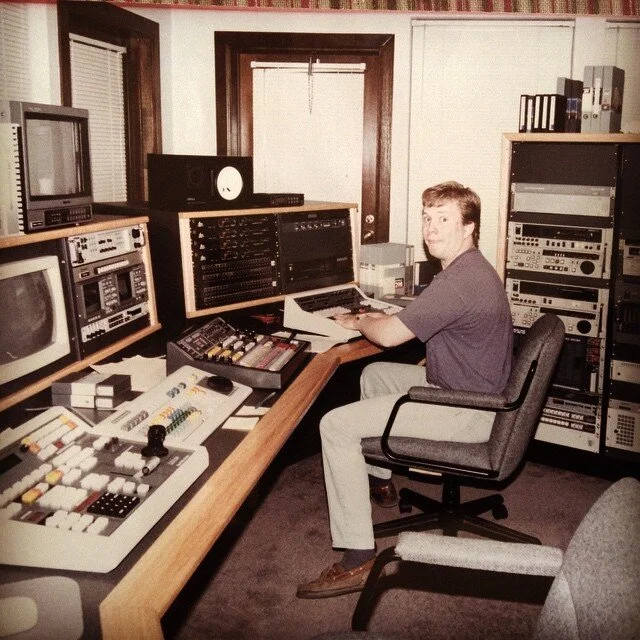
Much has been said about what Final Cut Pro X does not do, and I agree that some key functionality has been omitted that Apple needs to address soon. However, there is a lot to like here as well, so I thought I’d point out some features that stand out to me as an editor of over 20 years that I’ve wanted for a long time. The majority of my projects I end up mixing myself directly in the NLE since I have a background in recording and mixing, thats why these new features are pretty cool to me. When budgets allow, I sometimes send an OMF to a mixer, but its on occasion. Hopefully, OMF export will be added by then or I’ll buy Wes Plate’s Automatic Duck exporter.
1. Better Audio Plugins
Finally, we have the full Audio Units (AU) plugin from Soundtrack Pro and Logic built right into FCPX, complete with metering (i.e. seeing compression reduction) and full keyframing capabilities. There are more than 100 total, with over 40 coming from Logic Studio. Media Composer has had good plugins from Protools for a long time- but I found them very clunky and non-intuitive by comparison. I have not used MC since early Adrenaline days so maybe this has been improved…not sure yet.

2. Easier Keyframing
Adding keyframes (or rubber-banding) is much improved in FCPX. Simply Option-click on the track to add a KF- even while the track is playing! The waveform updates in real-time while you adjust the levels- even showing clipped or near clipped levels with red and yellow colors- NICE. Fade handles are available on each audio clip without adding keyframes- in fact, they override KFs much like a cross-fade does in FCP7. You can select different fade curves as well by right-clicking the fade.


3. Scrubbing with Pitch Correction
Its much easier to find your edit points now since you can hear what the dialogue is saying while in slow or fast modes. Yes, JKL all work as expected- only much better and with a smoother, more tactile feel. Skimming makes it much faster to find sections you’re looking for- although I would not have this enabled all the time, as it can be annoying (shortcut – S to toggle on- off).
4. Sub-frame Audio Editing
Now you can adjust clips down to the sample level- in the timeline. In previous versions of FCP, this was only possible in the viewer by holding down shift- though it was rarely that useful to me. With sub-fame editing, it will be easier to sync two clips and hopefully avoid “pops” that occur when placing edits across an audio sample. You can still add short 2 or 3 frame cross fades to soften edits by selecting the edit, pressing command-T (or whatever KB shortcut you assign- mine is still backslash from my Media Composer days), then double-clicking the transition and enter the value.
5. MP3 and AAC Playback in Real time
No more need to convert your audio files to AIFF or Wave prior to editing them in FCP. Its a minor thing, but really adds up in significant time savings when auditioning lots of music tracks, etc.
6. Other Audio Notes
One thing I’ll miss is the ability in FCP & and earlier to quickly adjust a clip or multiple clips with the opt-ctrl-L command to that allows relative and absolute level changes. Alternatively, you can copy the audio animation and all effects from one clip to another clip or multiple clips simultaneously (as in FCP7) by pressing opt-command-V to paste effects.

To adjust levels in real time on a clip by clip basis, press ctrl- minus/plus (top of keyboard). This even works while it is playing- very nice. The Inspector also offers controls to adjust the levels, turn on/off tracks that are connected to the clip, stereo/surround mode, pan, etc.
Audio sync- this is touted as a way to sync double system sound by using TC and/or the audio waveform. I did a couple tests, but it didn’t work for me. Hmm, Plural Eyes may still be needed. More testing to come.
There are lots of nice presets for the plug-ins too- such as “Voice-Over-Enhancement” which is a collection of oft-used plugins that make a VO more punchy for commercials, etc. Of course, you have the option to make all your own custom presets if you like.

There’s lots more info on Apple’s site, but these are some of the less “marketable” things that stood out to me that are useful on a daily basis.
I’ll try to post some more in the coming weeks on other aspects of Final Cut Pro X that working editors would probably like to know about this radically different editing software.
Let me know your constructive thoughts.
Recent Comments